
The BuddyCRM Google Maps functionality may stop working if your web browser’s location settings have been changed or if location access is currently disabled.
In these cases, you may be unable to use the Google Maps feature as expected, and the system may display as shown below:
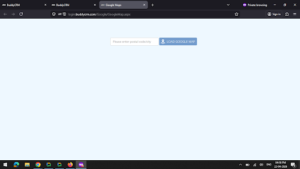
Enabling location access for login.buddycrm.com within your browser is quick, simple, and secure.
You can follow the relevant external guides below to enable this setting:
If you need any support with this, please get in touch at support@buddycrm.com.