
Public Relations & Others
The ‘public relations’ & ‘others’ options are used for tracking more traditional or offline methods of marketing such as print campaigns/leaflets, letters or advertising through billboards, partners etc. These campaign types can be associated with any leads, accounts or opportunities that have been generated via this campaign, allowing you to report on the ROI of the campaign.
Creating a Campaign
First, navigate to the BuddyCRM Marketing area:
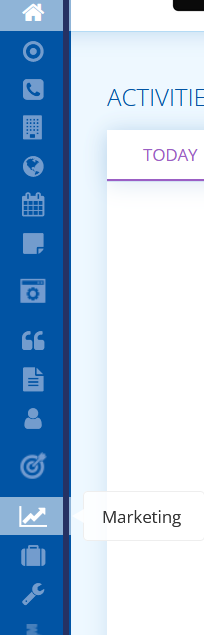
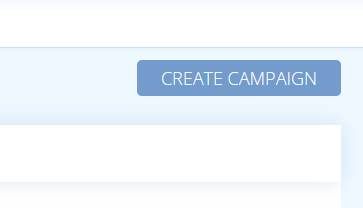
You will be presented with the Campaign menu. Hit ‘create campaign’ top-right to begin the process of creation:
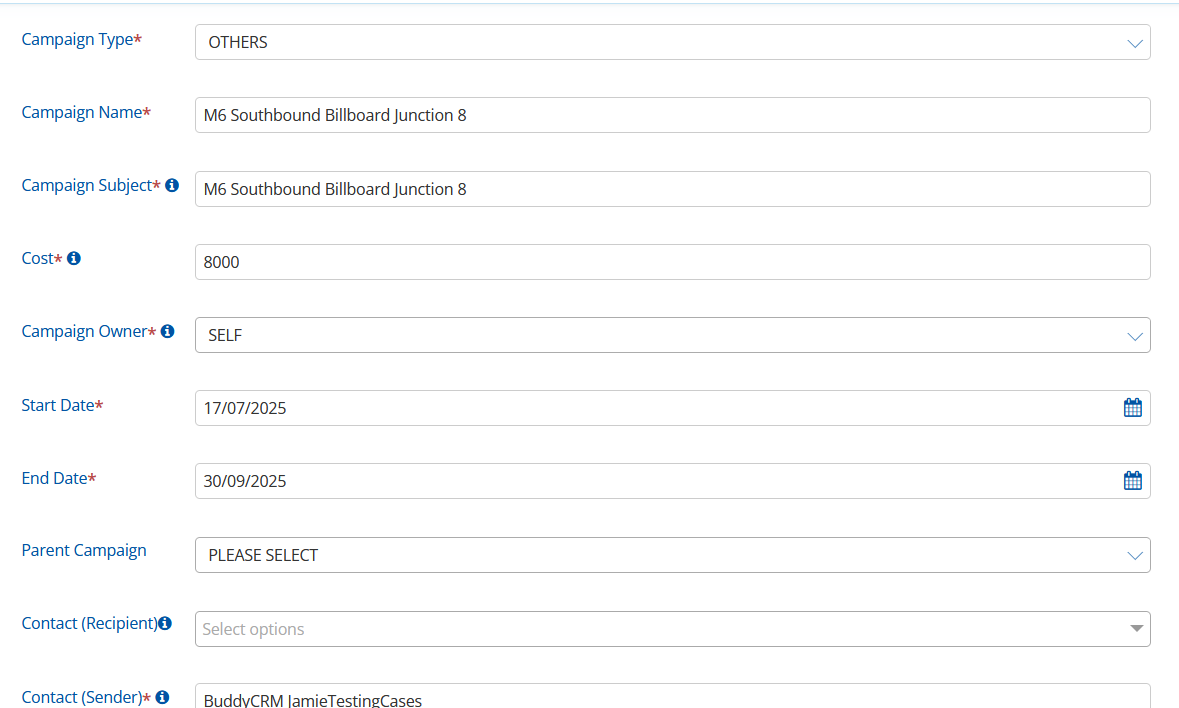
In Campaign Type, choose Public Relations or Others, depending on the type of campaign that you wish to track.
Enter a helpful and specific Campaign Name, you can mirror this in Campaign Subject.
Enter the Cost of the campaign. This will be useful for tracking return on investment later.
Select a Campaign Owner, this will default to ‘self’ but another user can be selected. This is used to assign an ultimate owner of each campaign.
Enter Start and End Dates that the campaign will run for. This will also be used to track return on investment.
Optionally, you can select a ‘Parent Campaign‘ if there needs to be a link between campaigns.
Who Can See The Campaign sets the user permissions for your BuddyCRM users as to who can view information about a marketing campaign.
Reply To is relevant more so to email campaigns, just write your name in here.
You can use the Notes section to record any important information about the campaign.
Once all areas have been completed, hit save at the bottom to save your campaign to the campaign list.
Associating with a Lead or Account
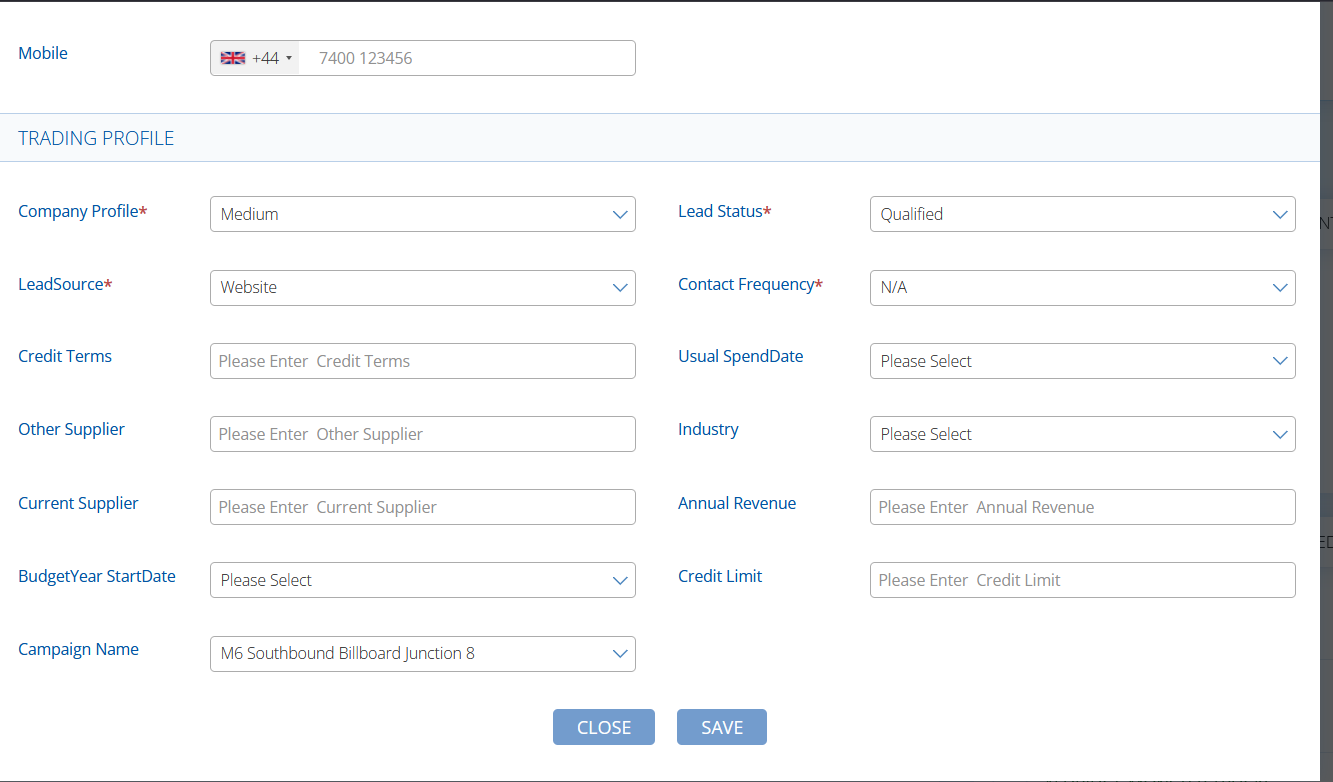
When creating a lead or account, there is a field within the Trading Profile called Campaign Name where you can select the campaign that the lead or account is associated with. Simply select your created campaign from the dropdown list:
Associating with an Opportunity
You can also select the associated campaign using the Campaign Name dropdown field on Opportunity creation or edit, so that the opportunity value can be associated with the marketing campaign.
Reports
By utilising the Campaign Name on Opportunity, Lead or Account reports, you can filter your report to only include associated records. This can help you work out lots of intelligence including number of leads and accounts created, number of leads converted to accounts, amount & value of opportunities won and more.
Please speak to customer success on support@buddycrm.com if you need further assistance.